
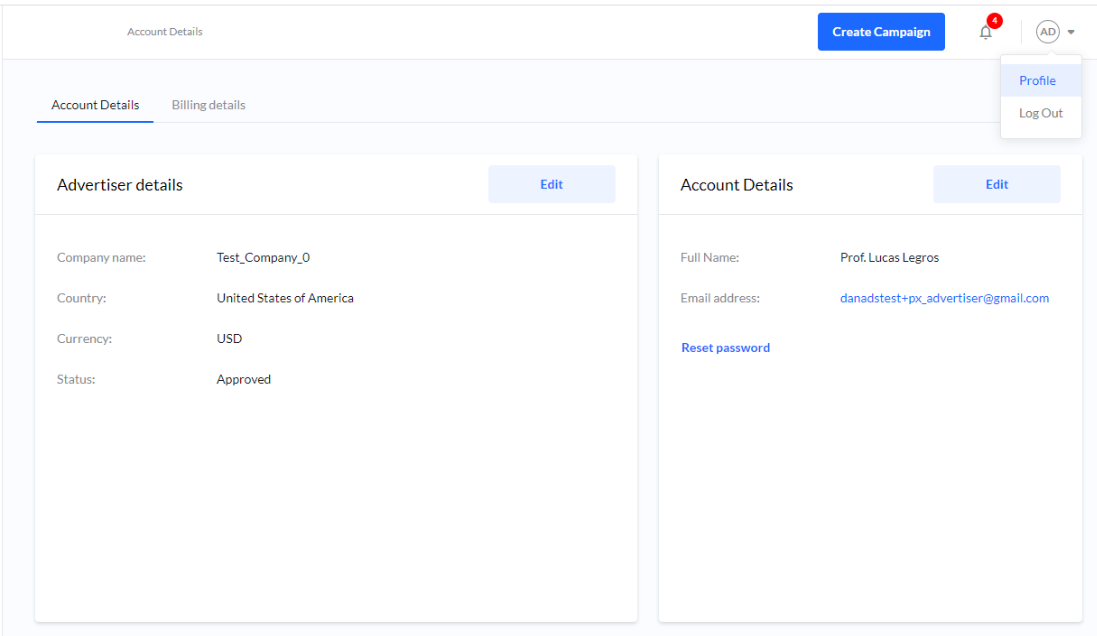
You manage your details and account information under the Account icon > Profile > Account Details.
Billing information
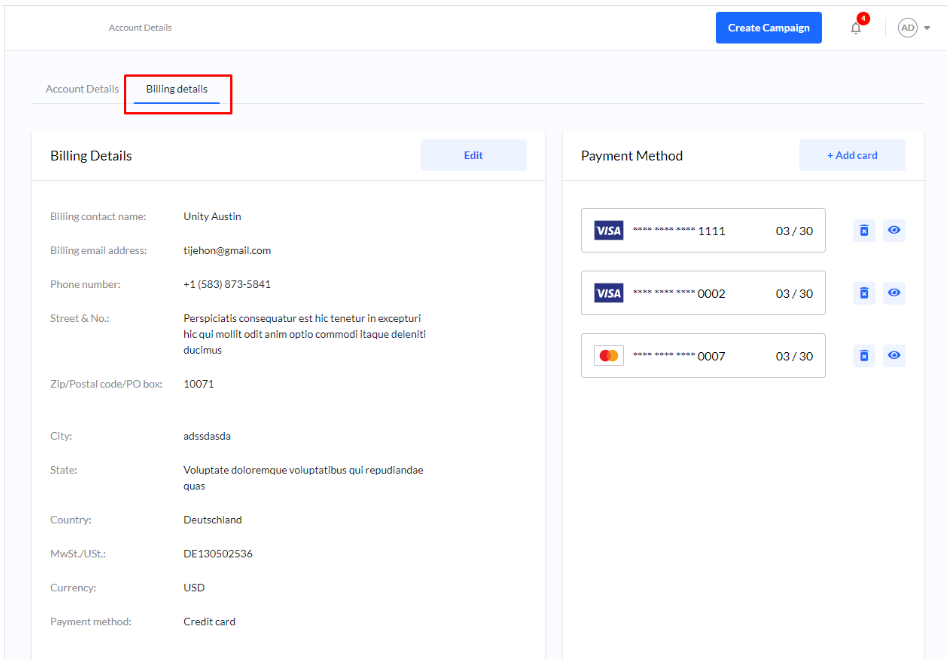
You will find your billing details and stored payment methods under Billing Details.
Edit Billing details
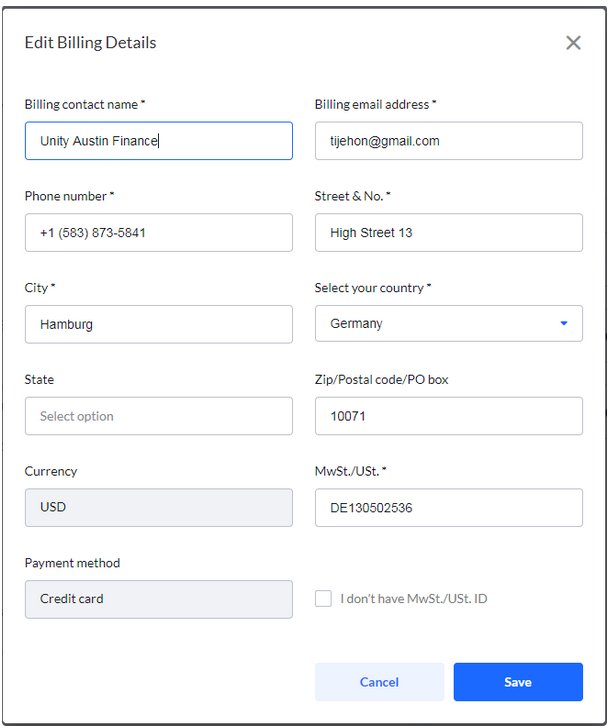
To edit your billing information select Billing details > Edit.
Payment methods
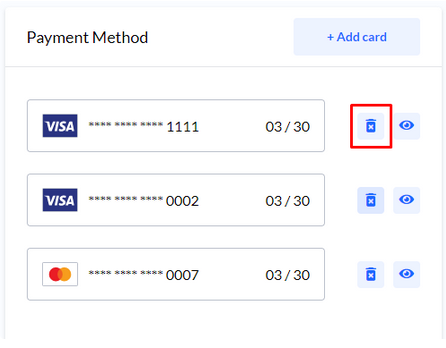
Add/Remove card
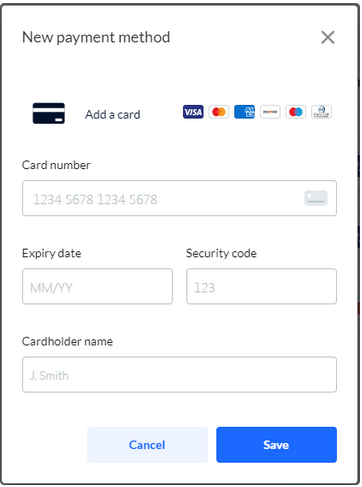
To add a debit och credit card select Billing details > + Add card.
To remove a card, click the Trash icon.
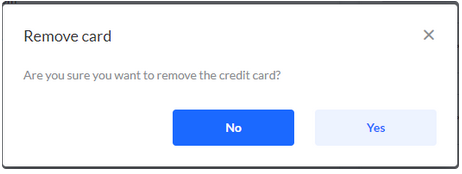
Removing a card is permanent and cannot be undone.